
WhatsApp customer support for a team, not a phone.
Every WhatsApp and Instagram conversation in one shared inbox. Routine questions answered from your own FAQ, with the source cited. Everything else assigned to a person, with a clock running until someone replies.
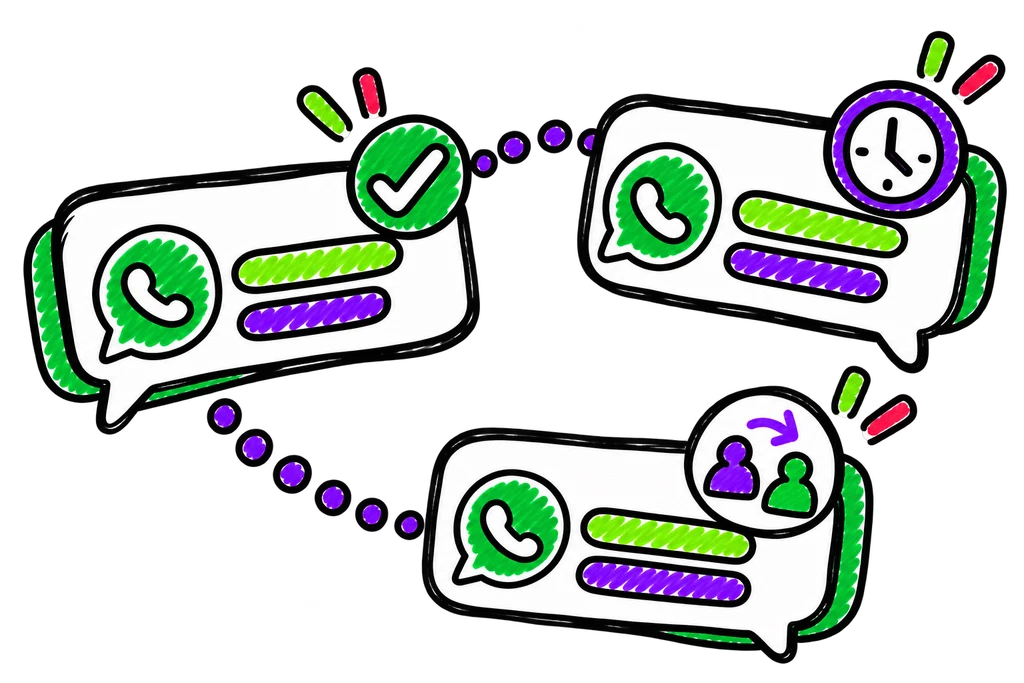

The same ten questions, all day, on one phone.
Timings, prices, delivery, COD, returns. Your team answers them a hundred times a week, on a single handset or a WhatsApp Web tab, while the one customer with a real problem waits. Nobody knows who replied, and nobody notices the chat from lunch.
What customer support changes for your team.
Routine questions handled
Answered from your FAQ in seconds, in the customer’s language, with the source cited.
Nothing waits unseen
Every unanswered message runs a clock; overdue chats rise to the top.
One place for both channels
WhatsApp and Instagram DMs in the same queue, assigned the same way.
Step by step, as it runs.
Every step is something NudgeBolt does today. Start from this playbook, change the words and the waits, and test it on your own number first.
- 01 IN
Customer writes
On WhatsApp or Instagram — both land in the same inbox.
- 02 AI
Answered from your FAQ
If your documents cover it, the answer goes out with the passage cited.
- 03 ROUTE
Assigned to a person
By keyword, tag or business hours — or by hand.
- 04 CLOCK
Response clock runs
Overdue chats rise to the top; alerts reach a closed phone.
What it sends — and what each one costs.
Example templates for this playbook. The cost is Meta’s India rate for the category, billed to your own Meta account. NudgeBolt adds nothing.
Hi {{1}}, following up on your question about order #{{2}}. Reply here and we’ll pick it up.
How you’ll know it’s working.
- Median first-response time
- Share of questions answered from the FAQ
- Chats overdue at end of day
- Conversations handed over by the assistant
Write the FAQ you answer anyway
Your team already knows the ten questions. Writing them down once is what lets the assistant take them.
Set a response target you can hit
An honest 30 minutes beats an aspirational 5 that’s always red.
Reply inside the window
Within 24 hours of the customer’s message you can reply freely; after it you need a template.
The parts of NudgeBolt this playbook uses.
Team inbox
One WhatsApp number for the whole team, with assignment, private notes and response clocks.
How it worksAI assistant
Answers from your own FAQ and brochure, quotes the line it used, and hands over when it can’t back an answer up.
How it worksInstagram inbox
Instagram DMs in the same inbox as WhatsApp, answered from your saved answers — free on every plan.
How it worksHindi & Hinglish
Templates, AI replies and drafts in Hindi, English and the Hinglish your customers actually type.
How it worksCustomer support, answered.
Including what it costs, and what you need first.
One on Free, two on Starter, ten on Growth and Commerce.
Replies within 24 hours of the customer’s message are free up to 1,000 a month per number since 1 October 2026, then ₹0.115 each — billed by Meta to your own account.
It answers what your documents cover and hands everything else — complaints included — to a person, with a suggested reply.
Other jobs NudgeBolt does.
Lead follow-up
Every new lead gets a first message in minutes, qualified in chat, and handed to a person when it’s hot.
See the playbookAppointment reminders
Reminders 24 hours and 2 hours before, one-tap confirm or reschedule, and care notes after — at the utility rate.
See the playbookAbandoned cart recovery
Shopify carts nudged on WhatsApp with consent checked first — and the revenue that came back counted per send.
See the playbookRun customer support on your own number.
14 days of Growth, free. No card. Or book a walkthrough and we’ll set the playbook up with you.