
WhatsApp automation you can read aloud.
Trigger, wait, branch, message. Flows read like a recipe, not a circuit board — and the assistant drafts a whole flow from one sentence, ready to edit step by step.
Growth and up
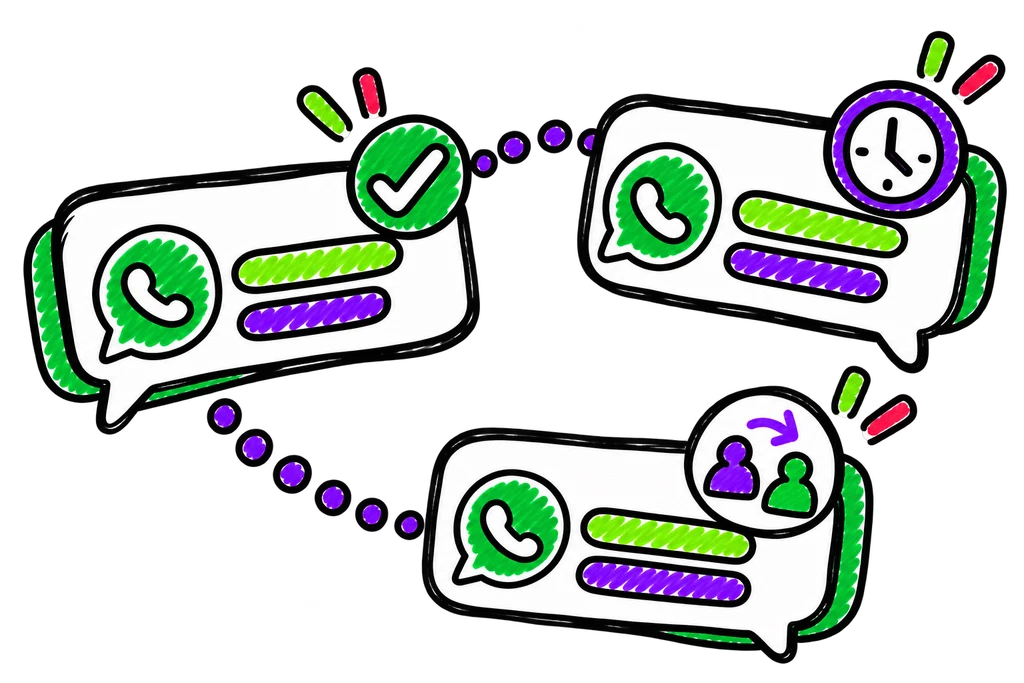
- TRIGGER Lead lands from your sheet
- QUESTION Ask budget and timeline
- BRANCH Hot → assign · warm → follow up
- WAIT 2 days, inside business hours
- HANDOFF Assign to Rohan
Follow-ups are the work everyone means to do.
The lead who said “call me next week”, the patient who needs a reminder, the customer who hasn’t ordered in 45 days. Nobody forgets on purpose — there are just more follow-ups than people. Automation should take the routine ones, and only those.
Everything in flows & automation.
Follow-ups, reminders and cart nudges that run on their own, and stop when a person should step in.
Drafted from a sentence
Describe what should happen; the assistant lays out the flow for you to check and edit.
Ten step types
Messages, waits, questions, branches, tags, assignments and more — all readable at a glance.
Branch on answers
The next message is chosen by what the lead actually said, not a fixed sequence.
Follow-ups on a cadence
Reminders, follow-ups and win-backs that run on schedule, so nobody has to remember.
Respects business hours
Nothing goes out at 2am. Messages wait for your hours.
Hands over to people
Any step can route the conversation to your team with the whole history attached.
Describe it in a sentence, get a flow
“When a lead arrives, ask budget and timeline, send hot ones to Rohan, follow up warm ones in two days.” The assistant lays that out as steps you can read, rename and rearrange — then you test it on your own number.
- Draft from plain words
- Edit node by node
- Test on your own phone first
The opening message, chosen by the lead’s own answers
A buyer who said “within 3 months” and one who said “just exploring” shouldn’t get the same message. Branch steps pick the next message from what the person told you — in a form, a sheet column or the chat itself.
- Branch on answers and tags
- Tag hot, warm and cold
- Different paths, one flow
Stops when a person should step in
Any step can assign the conversation to a person or a queue. When a customer replies with something the flow didn’t expect, it goes to your team — not into a loop.
- Assignment step
- Full chat history attached
- Business-hours aware
Set up flows & automation in three steps.
- 01
Start from a playbook or a sentence
Pick an industry playbook, describe a flow in words, or start blank.
- 02
Edit step by step
Rename, re-order, change a wait, add a branch.
- 03
Test, then go live
Run it against your own number before your customers see it.
The jobs people switch it on for.
Flows & automation, answered.
The questions people ask before they switch it on.
No. Flows are built from plain steps, and the assistant can draft one from a sentence.
Yes. Any step can assign the conversation to a person or a queue in the team inbox.
Growth and Commerce, including AI flow drafting.
No. Steps that send wait for your business hours.
It shares everything with the rest.
Store & cart recovery
Shopify abandoned carts nudged with consent checked first, and recovered revenue counted beside each send.
Learn moreLead import
Google Sheets and CSVs become contacts you may message — mapped, deduplicated, consent recorded.
Learn moreAudiences & segments
Aim at a live source, not a frozen list — narrowed by people’s own answers or when they arrived.
Learn moreTry flows & automation on your own number.
14 days of Growth, free. No card — and your number stays yours whatever you decide.